Hey everyone, welcome back to the Veel Scenepacks blog.
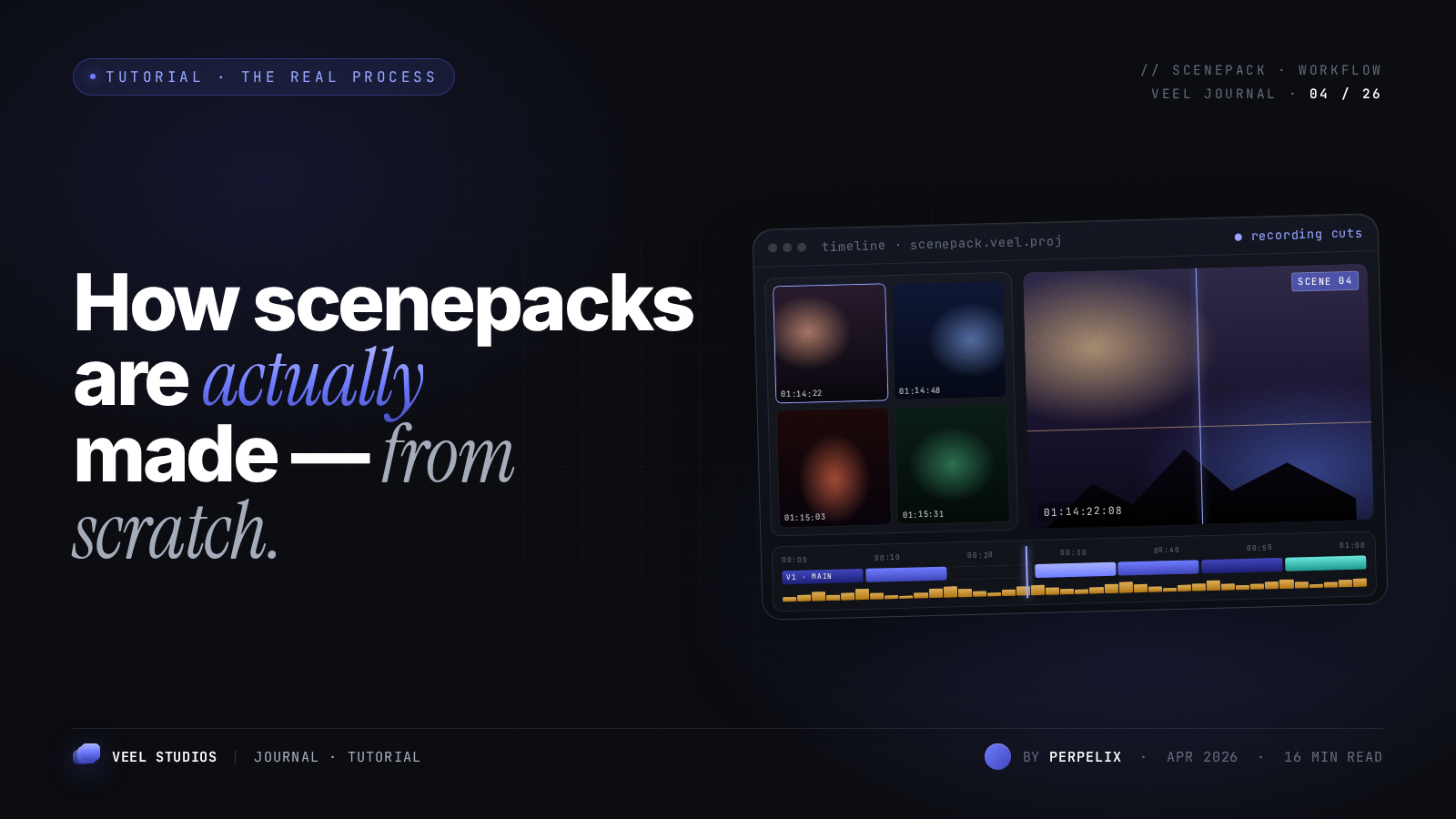
In this blog we talk about how scenepacks are made.
First thing - What the Fuck Is a Scenepack?
Let's say you're an editor and you want to make an edit on Blade Runner 2049. The problem? Where the hell do you get the movie from without it being straight-up piracy? And even if you download it, most piracy sites bombard you with a million ads and shitty links.
That's exactly where scenepacks come in.
We're a team of people who actually want to help the editing community. We go on a mission to get the highest quality source possible so your final edit turns out clean and professional.
But just handing you a 60GB REMUX file isn't very helpful. So we do the hard work for you — we watch the entire movie, cut out the best scenes, clean them up, and deliver a perfect, ready-to-use scenepack.
How We Actually Make a Scenepack (Blade Runner 2049 Example)
Take Blade Runner 2049 as an example. The movie has two main characters — Officer K and Joi. I throw the full movie into Premiere Pro and start cutting their scenes.
I pick the best dialogues, strongest moments, and most usable shots for each character. Then I render those sequences.
A movie like Blade Runner 2049 is 164 minutes long. The final scenepack length depends on how much screentime each character has. Officer K is the main character, so his scenes might end up around 75% of the movie — that's roughly 125 minutes before trimming.
Obviously that's way too long, so we remove unnecessary scenes — the ones editors probably won't use, will ignore, or won't mind missing. After cutting all the filler, you're left with a clean, focused scenepack full of actually useful clips.
That's basically what a scenepack is: a perfect set of the best scenes from the movie or show, organized and ready for editors.
Making It Even Better (Audio Cleanup)
We can make it even cleaner. One trick we use is reducing background noise so dialogue edits become way easier.
We convert the movie's audio to 5.1 using XmediaRecode tool.
Here is a quick settings video you might wanna use to convert a audio to 5.1:
Then in Premiere Pro we modify it to stereo using only the center channel. This pulls the focus mainly on dialogues and kills a lot of the background noise. Editors love this.
Want to Make Your Own Scenepack? Here's How
First thing — you need the movie or TV show in good quality.
For us, we use private trackers like torrentleech.org. That's where we find a lot of movies and shows in proper REMUX quality, thanks to release groups like FraMeSToR, LEGiON, UnKn0wn, FLUX, CiNEPHiLES, ETHEL, and many more.
But not everyone has access to private trackers. Here's a list of sources you can use:
Torrent sites:
Direct Download Sites:
- https://olamovies.hair/
- https://uhdmovies.rip/
- https://watchsomuch.to/
- https://worldscinema.org/
- https://4khdhub.fans/
Quality Guide (in order of best to worst):
2160p Remux > WEB-DL 2160p > Encode 2160p > Remux 1080p > Upscaled (4K) > WEB-DL 1080p
(Don't use Web-RIP for fuck's sake)
- Remux = Original video and audio from Blu-ray copied without re-encoding. Zero quality loss.
- WEB-DL = Clean download straight from streaming services. High bitrate, no watermarks.
- Encode = Compressed version. Usable for scenepacks, but check the file size — if it's under 15GB for 4K, it's probably not good enough.
- Upscaled 4K = Software (like Topaz Video Enhance AI) ups the resolution from 1080p to 4K.
The Editing Workflow
Once you have the source file, open it in Premiere Pro or DaVinci Resolve (we recommend these because they're built for this kind of work).
- Do the audio cleanup — convert to stereo and keep only the center channel to reduce background noise.
- Start scene cutting. If you're on Premiere Pro, use the Scene Edit Detection feature — it helps a lot.
- Making a multi-character scenepack? Nest your sequences.
- Drag and drop the scenes of each character into the nested sequence.
Here's a helpful video on nesting sequences:
Rendering the Scenepack
We use Adobe Media Encoder for rendering.
You might think using some expensive codec would give the best quality, but most editors use After Effects, and those fancy codecs often don't work well with it.
So we stick with practical options. We avoid heavy formats like AVI because they're a nightmare for storage and uploading.
Main choices are H.264 and H.265 (HEVC).
At Veel Scenepacks we use H.265 because it gives excellent quality with good compression. H.264 is also fine.
If you go with H.264, use VBR 2-pass for better results.
Quick difference between VBR 1-pass and 2-pass:
- VBR 1-pass goes through the timeline once and picks an average bitrate.
- VBR 2-pass analyzes the entire timeline first, then decides which scenes deserve higher bitrate. It gives better quality but takes longer.
Here's a good video explaining it:
Recommended bitrate:
- For 4K: 12–16 Mbps
- For 1080p: 7–12 Mbps
Final Step – Hosting
Once the scenepack is rendered, upload it to a reliable file host. Here are some we use:
- https://patrins.com
- https://buzzheavier.com
- https://mediafire.com
- https://drive.google.com
- https://mega.nz
For a full list, check this page from our beloved FMHY:
https://fmhy.net/file-tools#file-hosts
And that's pretty much it.
So yeah, that's how scenepacks are made.
If you haven't joined yet, come hang out on our Discord — we're at 9k+ members and always talking edits and new packs.
Thanks for reading, fam. More posts coming soon.