

Hey everyone, welcome back to the Veel Scenepacks blog.
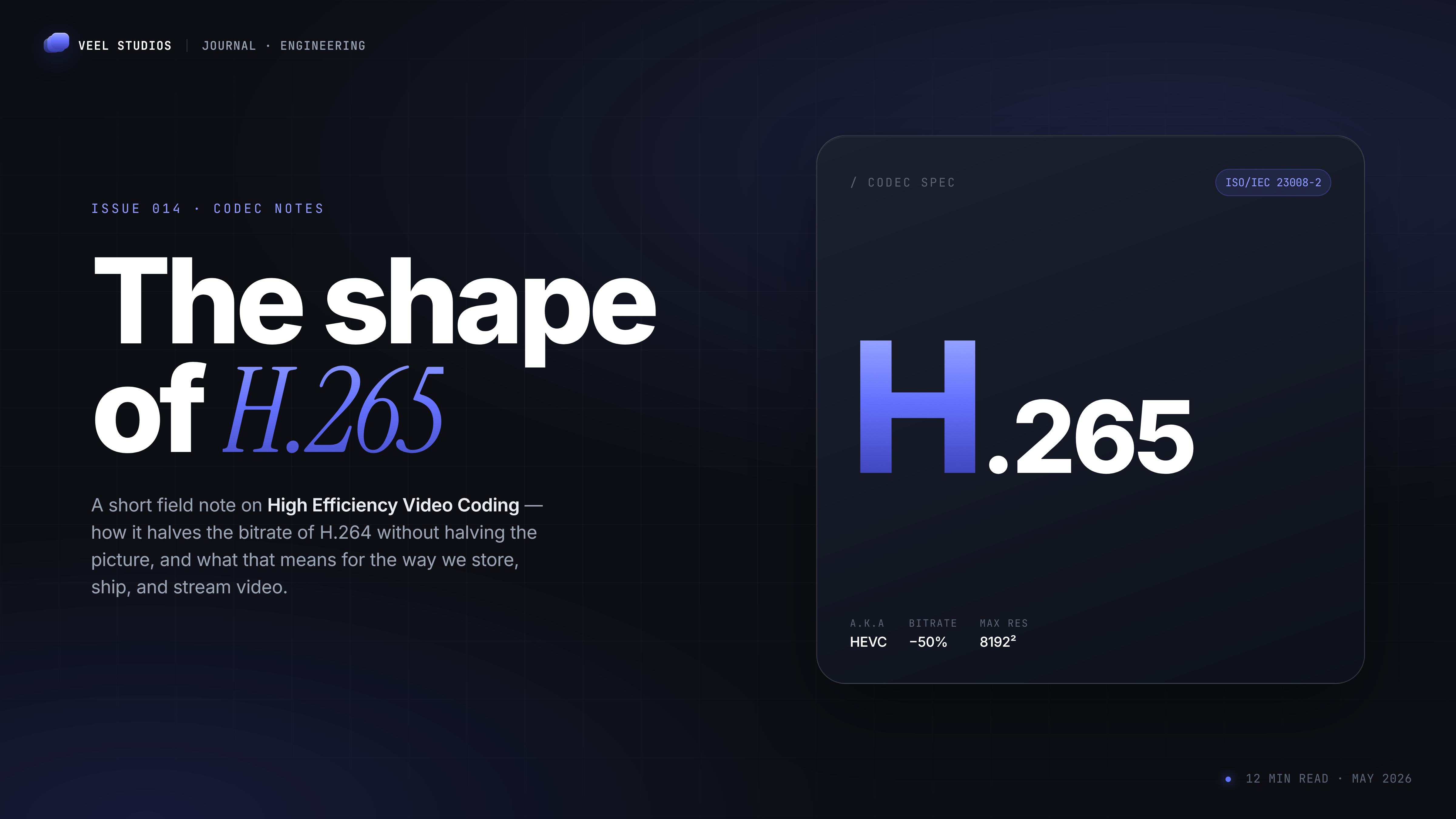
Today we're going deep on something we use every single day when making scenepacks — HEVC, also known as H.265. This is the codec we rely on for most of our 4K packs because it gives us way smaller file sizes without destroying quality.
Let's break it down in simple terms.
What is HEVC / H.265?
HEVC stands for High Efficiency Video Coding. It's the successor to the old king, H.264 (also called AVC).
Think of codecs like zip files for video. H.264 was excellent for its time, but HEVC is smarter. It uses better math and bigger "blocks" of information (called Coding Tree Units instead of small macroblocks) to compress video more efficiently.
The big claim: HEVC can deliver roughly the same visual quality at about half the bitrate of H.264. That means smaller files, less storage space, and faster downloads — without making the picture look worse.
Real-World Difference
A 4K scene that needs 12–16 Mbps in H.264 can often look just as good (or better) at 6–8 Mbps in HEVC.
For scenepacks and long clips, this difference is massive. A 30-minute 4K pack that would be 25–30 GB in H.264 can drop down to 12–18 GB in HEVC while still looking sharp.
Pros & Cons
Pros
- Much better compression — Up to 50% smaller files at the same quality.
- Great for 4K and higher — Handles high resolutions more efficiently.
- Smaller downloads & less bandwidth — Perfect for scenepacks, cloud storage, and streaming.
- Better quality at low bitrates — Especially useful for mobile or slower connections.
- Supports advanced features — Like 10-bit color, HDR, and higher frame rates.
Cons
- Higher processing power needed — Old PCs will struggle or play it choppy.
- Compatibility issues — Older devices, some smart TVs, and older Windows versions need extra software.
- Licensing mess — HEVC has patent fees (we'll cover the free fix below).
- Slower encoding — Takes longer to create HEVC files compared to H.264.
- Browser support — Still not perfect everywhere.
Alternatives to HEVC
- H.264 — The safest, most compatible choice. Use this when you need maximum compatibility.
- VP9 — Royalty-free, good compression, widely supported in browsers (YouTube uses it a lot).
- AV1 — The future. Even better compression than HEVC, completely royalty-free. Growing fast in 2026, but still needs more hardware support and takes longer to encode.
For scenepacks right now, we mostly stick with HEVC (H.265) for the best balance of quality and file size.
Where is HEVC Supported in 2026?
- Modern devices: Most phones made after 2018–2019 (especially iPhones and flagship Androids) handle it well with hardware decoding.
- PCs: Windows 10/11 + proper codec = good. macOS has solid support. Linux depends on the player.
- Video players: VLC, MPV, PotPlayer, and many others play HEVC without any extra installation.
- Browsers: Mixed results. Chrome/Edge can do it with hardware support, but not always perfectly.
- Older devices: This is where it hurts — many pre-2018 laptops, TVs, and consoles will choke on it.
Get HEVC Working on Windows
A lot of people still think you have to pay Microsoft for HEVC Video Extensions. You don't.
Pick the version that matches your system — 64-bit is right for most people.
Pro tip: For the best experience overall, just install VLC Media Player. It handles HEVC (and almost everything else) without needing Microsoft extensions.
Final Thoughts
HEVC isn't perfect, but for editors and scenepack users who care about file size and quality, it's still one of the best tools available in 2026. We use it at Veel because it lets us deliver cleaner, smaller packs that are actually useful for you.
Just remember: Use HEVC when your audience has modern devices. Fall back to H.264 when you need maximum compatibility.
What do you guys think?
- Do you prefer HEVC or H.264 for your editing workflow?
- Have you faced playback issues with HEVC?
- Should we do a follow-up on AV1 next?
Drop your answers in the comments. And if you're new here, join our Discord — we drop new packs and talk about this kind of tech stuff daily.